
Quantities with the working shown
The Grace Estimation Method computes the engineered quantities from the project you describe. Correct any input, swap any product with a reason, re-price.
Describe the site and the buildings, run the estimate, choose materials and price the scope line by line, with the working shown. Then hand the client an estimate that carries your name.
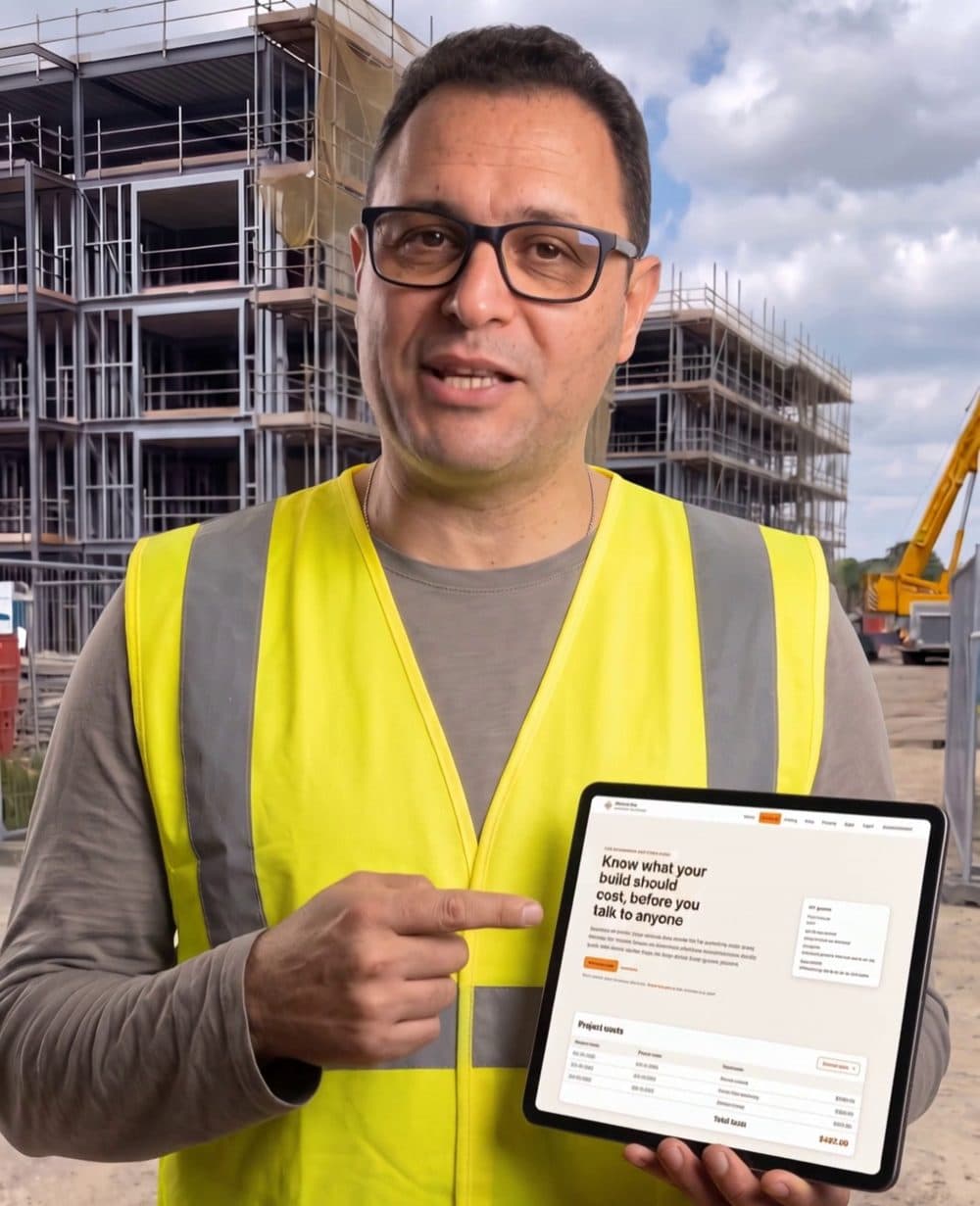
Projects in your sidebar is for your organisation's own work: site, buildings, storeys and rooms, then the quantities with their working, products from a catalogue with photos, trade labour for the locality, and your markups. Each re-price is a new numbered version.
Under the project's Settings, type the client's name as it should print. The estimate then reads prepared by your business for the client, with stage totals, the subtotal ex GST, GST once at the published rate, and the total.
Share by email with a role (Client or adviser, Architect, Project manager, Engineer), or give a report link that opens the printable estimate for 30 days. Nobody shared this way joins your organisation or sees your other projects.
The Grace Estimation Method computes the engineered quantities from the project you describe. Correct any input, swap any product with a reason, re-price.
Each line says what priced it: a published supplier offer, a dated market price, an indicative item rate or a category average. Labour is priced from trade rates for the site's locality.
The client sees stage totals, the items, the subtotal, GST and the total. Never your margin, labour hours or price sources.
A client can press Approve this estimate and leave a note; the stamp records who and when on that version, and you are notified. It is an estimate, not a contract.
Every priced version shows expected working days per stage; set a planned start and the stages take dates. Adjust any stage when you know the block better than the table does.
Under My organisation, add your logo, trading name, ABN, licence, phone, email and address. They print at the top of the client's estimate once your organisation is verified and on the Gold plan or above.
Free once verified. Sharing an estimate with a client uses no lead and no allowance.
Silver includes one active project and one Detailed estimate; Gold ten of each; Platinum has no limit. Every plan previews, responds to and revises invitations free.
Not for the report link: it opens the printable estimate only, for 30 days, and you can renew or revoke it. Share by email gives a person a role on the project through a free account of their own.
No. An Architect or Project manager you share with can edit rooms, documents, selections and the terms, never the price. A Client or adviser reads the estimate and can approve it as an estimate.
Yes. The link is pinned to the version it was created on. To share a newer version, revoke the link and create it again.
Yes. Upload the architectural set and the AI proposes the buildings, storeys and rooms, with areas measured against the drawing's scale, for you to confirm. Each reading uses one of your plan's monthly drawing reads.
From a priced version you can cut the labour of one trade into a package, send it to trades, and compare their answers blind. An accepted figure goes into your estimate as a trade quote.
Free once verified. No card needed.